How to spot phishing emails
How to Spot Phishing Emails Before They Cost You
Phishing remains one of the most effective tools cybercriminals use, precisely because it targets human trust rather than technical vulnerabilities. Recognizing the warning signs can save you from stolen credentials, financial loss, or malware infections.
What Is Phishing, Exactly?
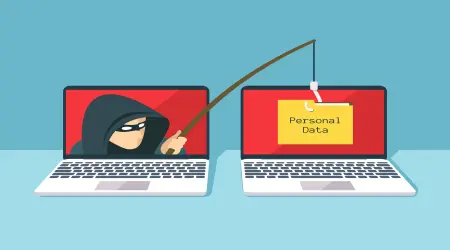
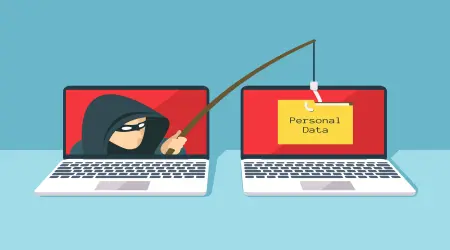
Phishing is a deceptive attempt to trick you into revealing sensitive information — passwords, credit card numbers, or personal details — by impersonating a trustworthy source. These emails often mimic banks, delivery services, tech companies, or even coworkers.
Red Flags to Watch For
1. Urgency and Pressure
Phishing emails often create a false sense of urgency: "Your account will be suspended in 24 hours" or "Immediate action required." Legitimate companies rarely demand instant action via email.
2. Mismatched Sender Addresses
Check the actual email address behind the display name, not just the name itself. A message claiming to be from "Amazon Support" sent from a random string of characters at an unrelated domain is a clear red flag.
3. Generic Greetings
Legitimate companies you have an account with typically address you by name. Emails starting with "Dear Customer" or "Dear User" are worth extra scrutiny.
4. Suspicious Links
Before clicking any link, hover over it to preview the actual URL. If the visible text says "yourbank.com" but the actual link points somewhere unrelated, don't click.
5. Unexpected Attachments
Be cautious of unsolicited attachments, especially file types like .exe, .zip, or macro-enabled Office documents, even if the sender appears familiar.
6. Poor Grammar and Formatting
While phishing attempts have become more sophisticated, awkward phrasing, inconsistent fonts, or low-quality logos can still be a giveaway.
7. Requests for Sensitive Information
Legitimate organizations almost never ask you to confirm your password, full card number, or social security number via email.
What to Do If You Suspect Phishing
- Don't click any links or download attachments.
- Verify independently — go directly to the company's official website or app rather than using links in the email.
- Report it — most email providers have a "Report Phishing" option that helps improve spam filtering for everyone.
- Delete the email once verified as fraudulent.
Reducing Your Exposure in the First Place
The best defense against phishing isn't just recognizing it — it's limiting how much your real email is exposed to begin with.
- Use a temporary email address for one-time signups, downloads, or services you don't fully trust. This reduces the number of places your real email appears, which in turn reduces the volume of phishing attempts that ever reach you.
- Enable spam filtering and mark suspicious senders to improve future detection.
- Regularly check for data breach notifications tied to your accounts, and update passwords accordingly.
Conclusion
Phishing succeeds by exploiting urgency, trust, and inattention — not technical sophistication. By slowing down, checking senders carefully, and limiting how widely your real email is shared, you significantly reduce both the frequency and the risk of falling for these attacks.